If you run a small shop in Leeds, you know this problem – you think you have stock, but you don’t.
At TechLeeds we had the same problem, so we built a simple system in Excel.
What does it do?
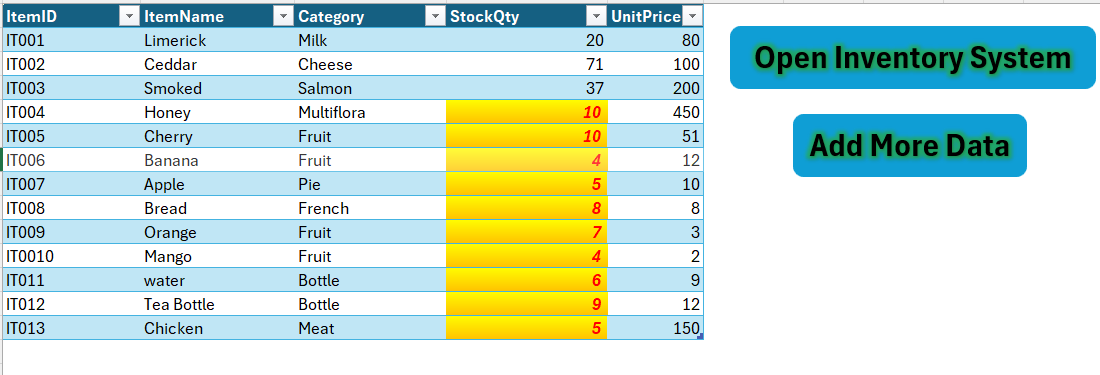
1. Inventory Sheet – You add your items and stock numbers. If any item has 10 or less stock, it turns YELLOW automatically. So you know what to reorder.
2. Transactions Sheet – When your staff adds or removes stock, it saves their name and date. So you know who did what.
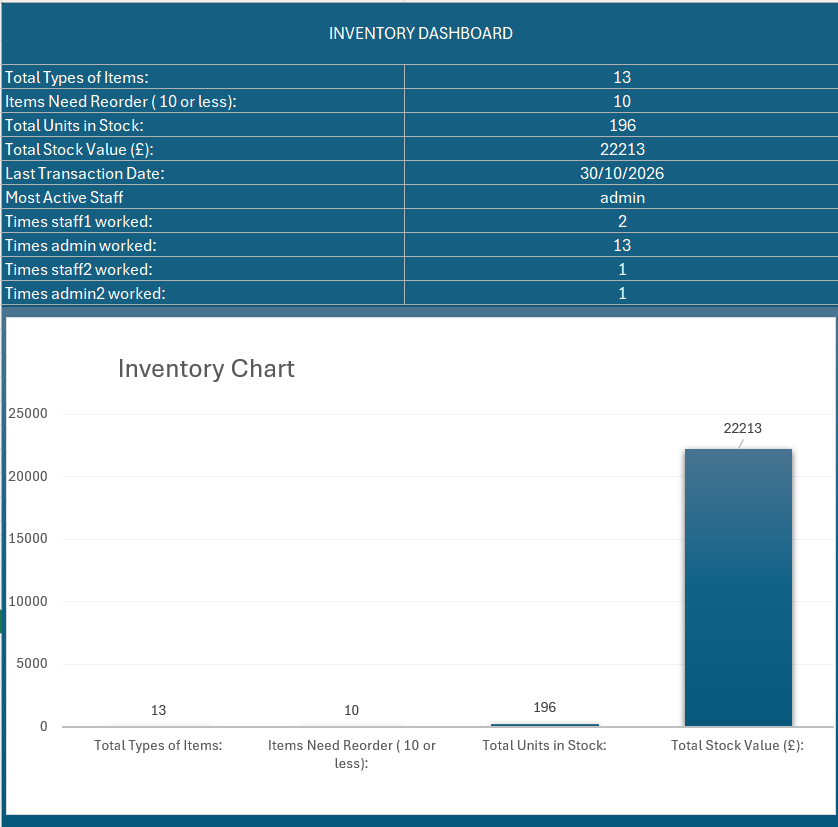
3. Dashboard Sheet – This shows you everything in one place:
– How many items you have
– How many items need reorder (the yellow ones)
– Total stock value in pounds
How to use it?
Just add your items, press Alt + F8 and click RefreshDashboard. That’s it.
Free Download Link: ClickHere to download Free Excel File (Button below)